History, in parallel.
1/ Context
Chronos is my side project — a comparative-historiography tool built on one idea: history reads differently in parallel. One date, four lenses — philosophy, architecture, art and politics lined up on a single rail, so the connections teach themselves: the Parthenon rises while Socrates still walks Athens; Corinth falls and Hellenistic art stops mid-sentence.
It started as an educational and research experiment, then grew into a running SaaS. I use it daily myself and opened it to a narrow circle of people who care about the subject — a deliberately small audience that actually uses the thing.
2/ The work
No client, no team, no hand-offs — this is what my process looks like when one person carries all of it:
- The idea and the method. From a reading habit to a product concept: comparative timelines as the core mechanic, not a feature.
- Brand and system. A Bauhaus identity — circle, square, triangle as the discipline marks — carried from the logo into a full component system.
- The product. Two readings of the same data, one switch apart: a grid that reads across disciplines, and chains that follow a single thread of consequence. Underneath both, an event opens into sourced prose and hand-written links to what caused it. Plus the public landing and an iOS companion.
- The build. Front end and back end shipped in AI-assisted code sessions — my AI-first workflow doing production work, not demos. Deployed, monitored, operated by me.
3/ Screens
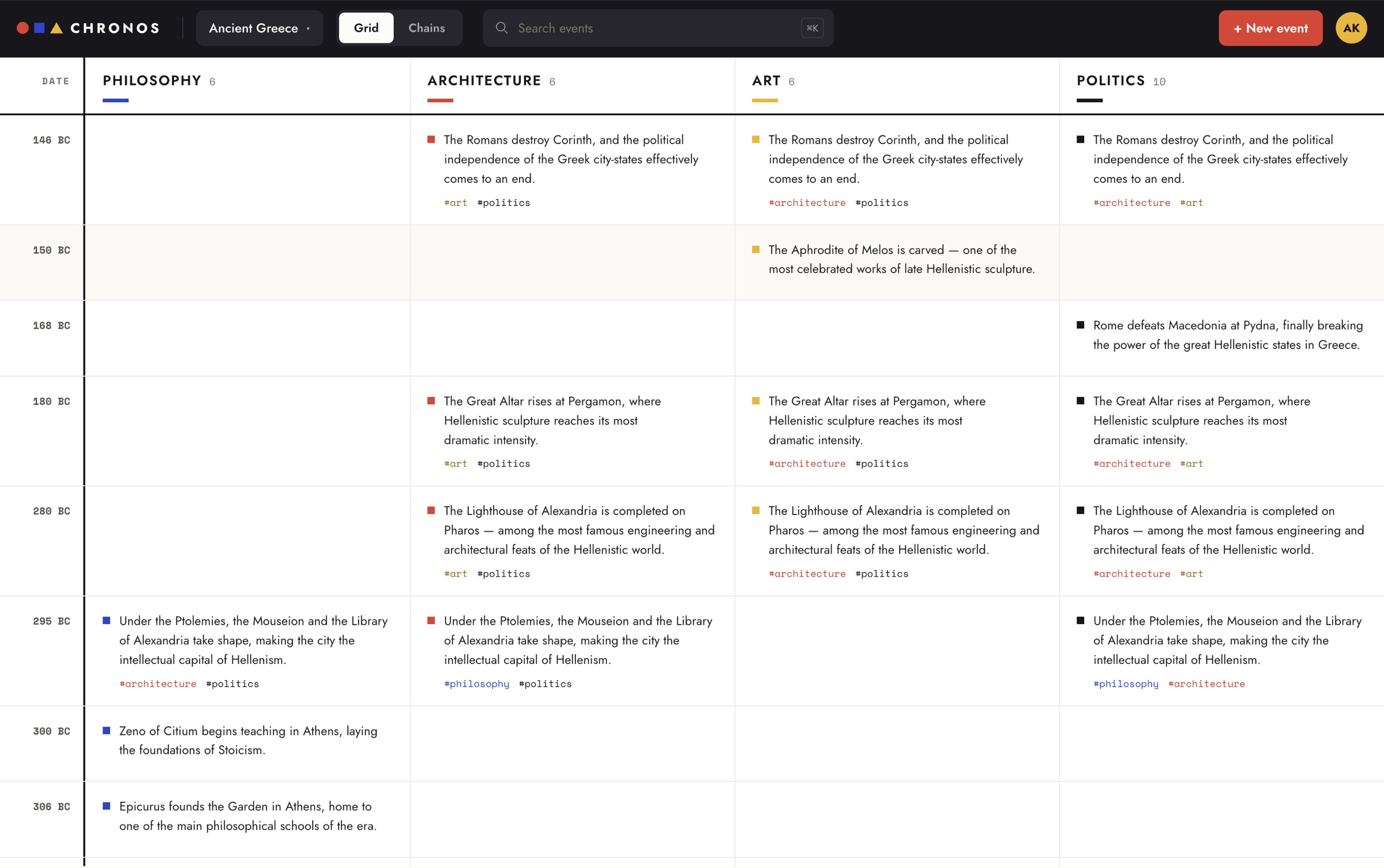
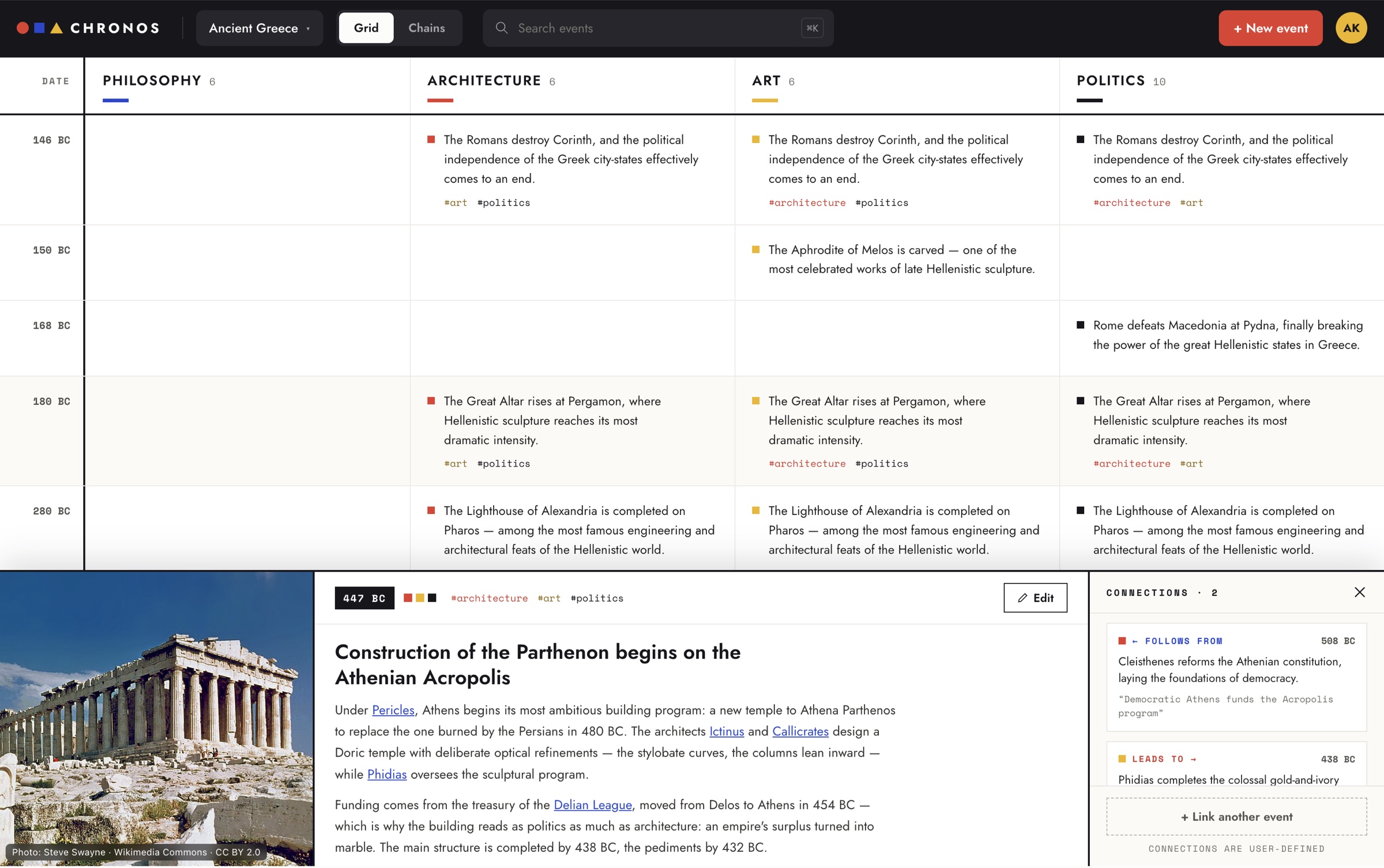
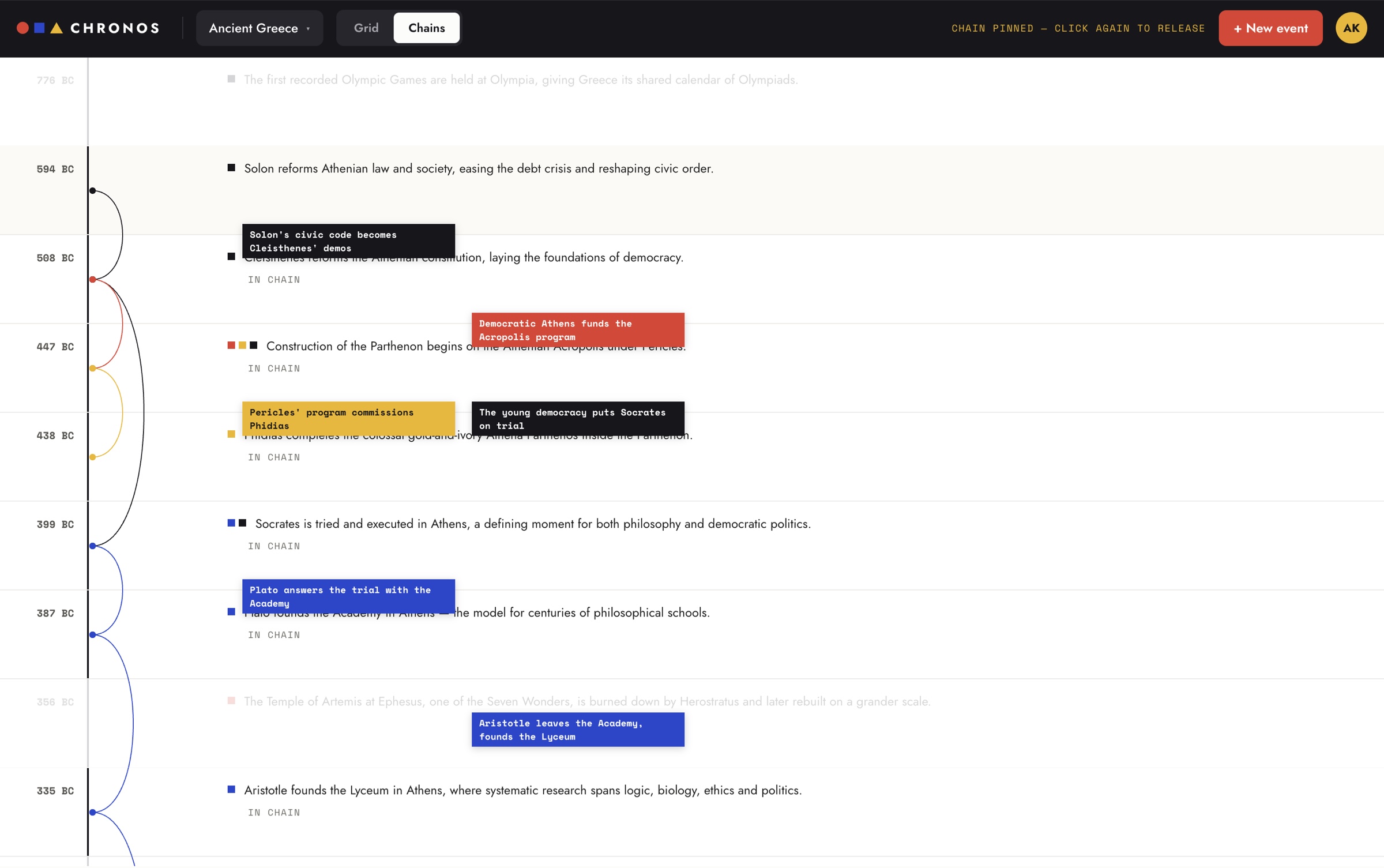
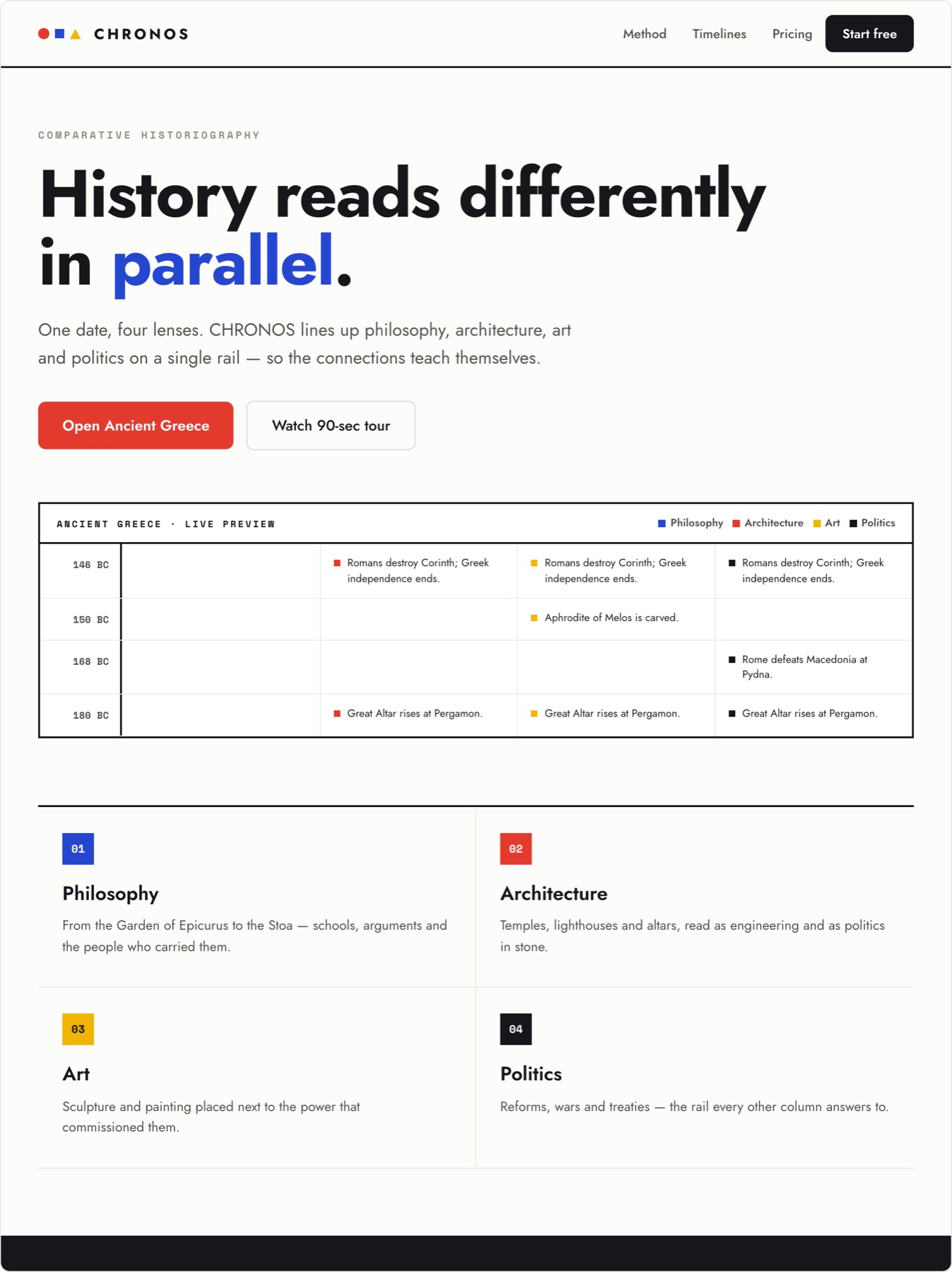
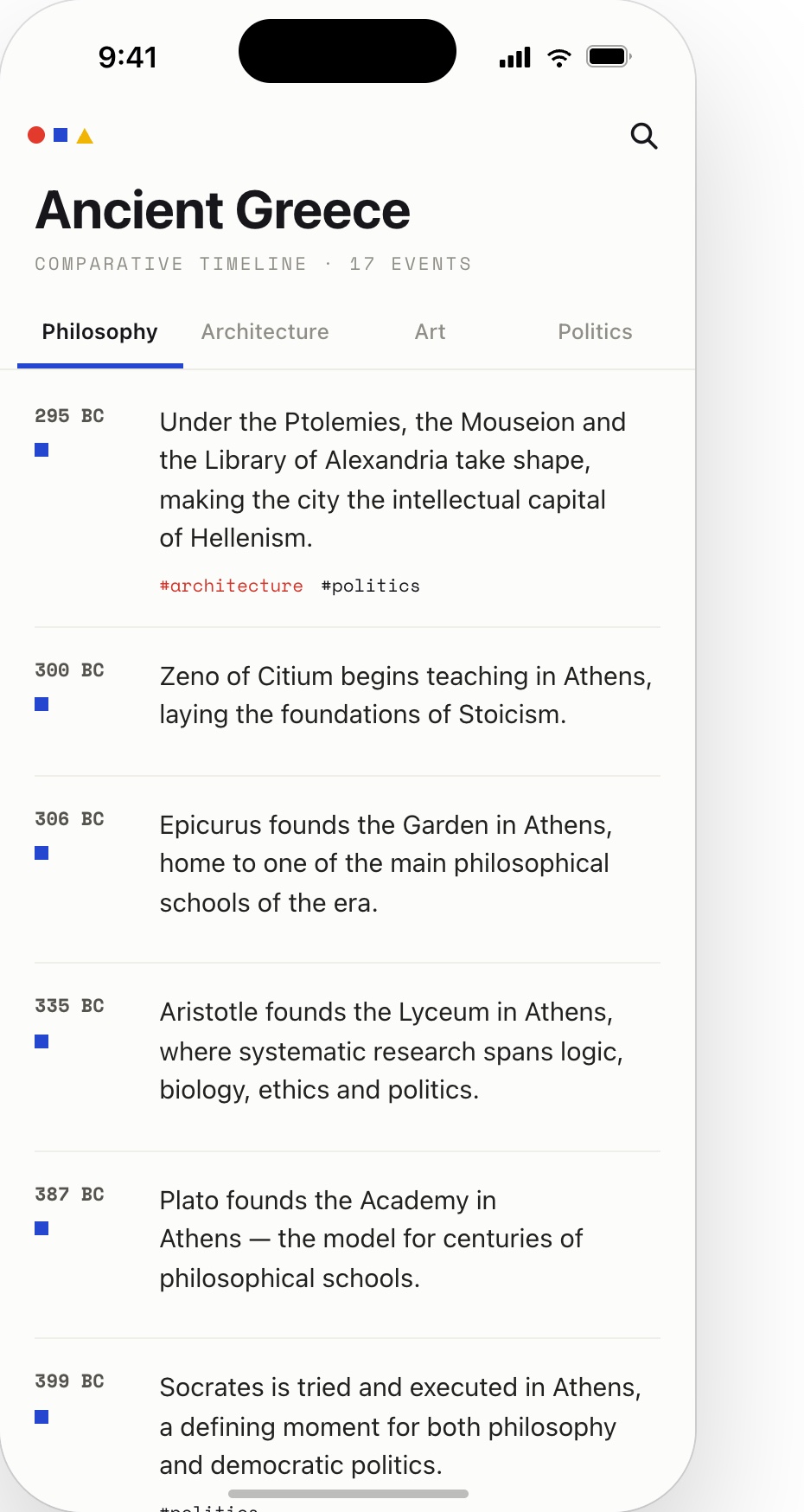
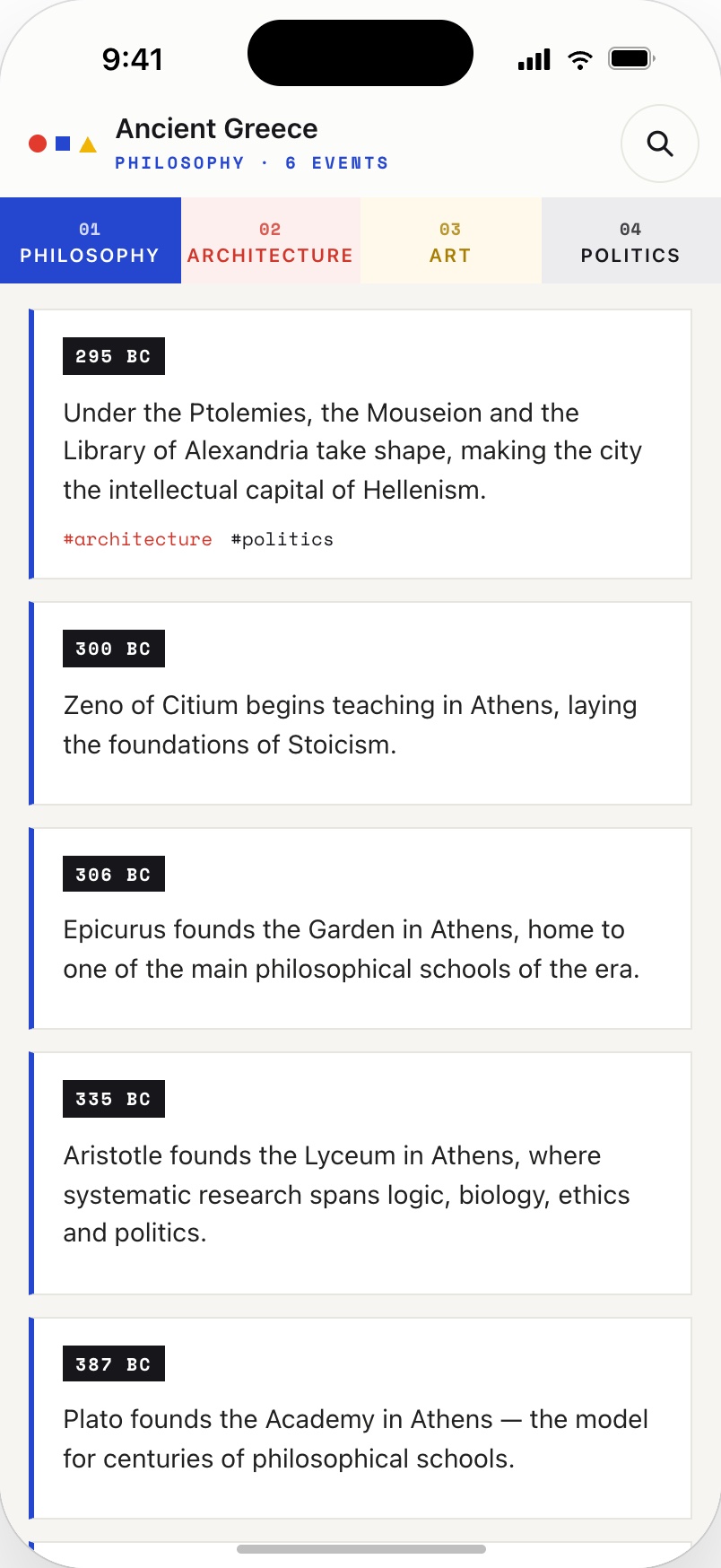
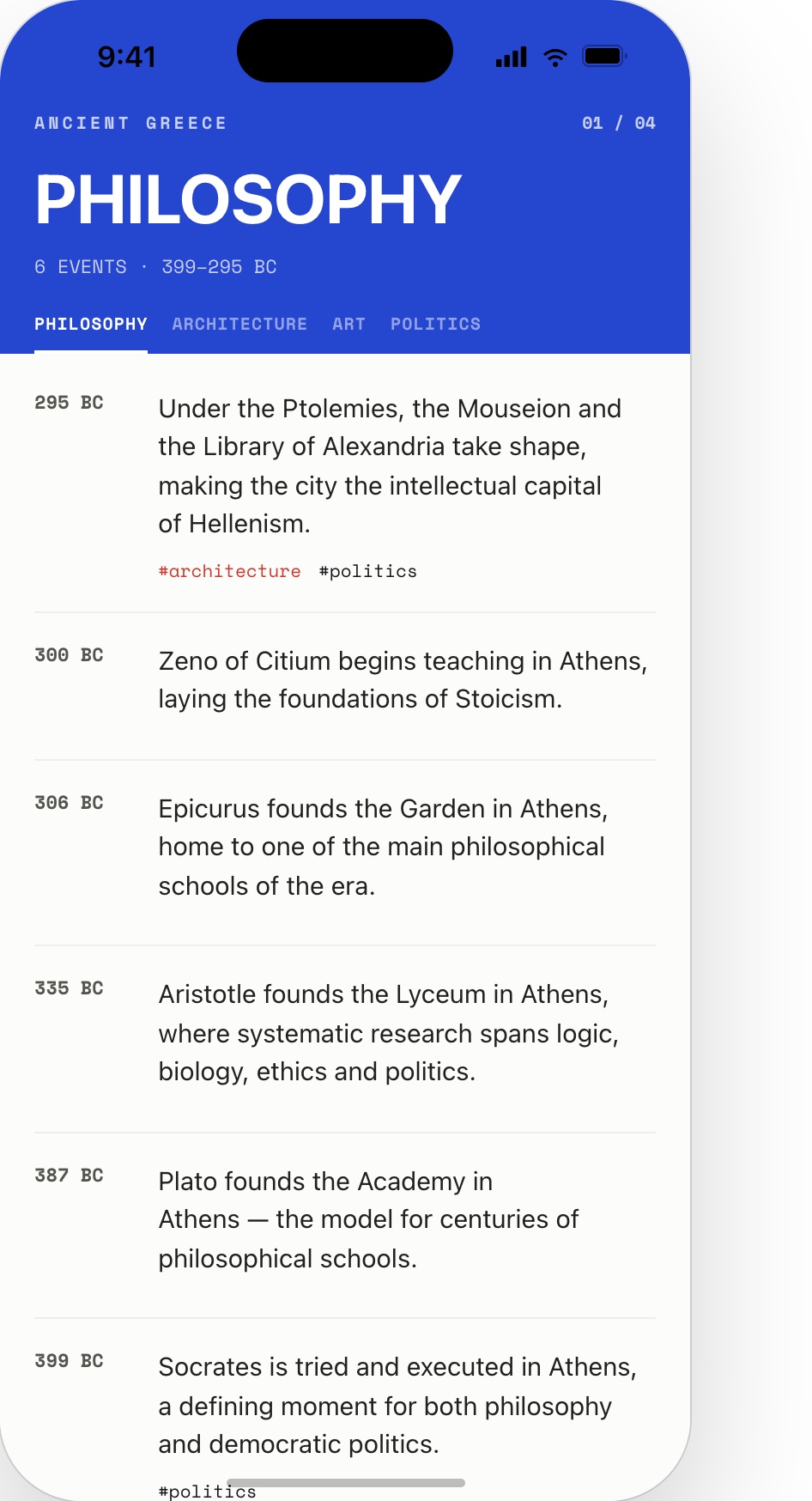
These are stills of the running product. Switch to Live demo to open the landing, walk into the board and pin a chain yourself. The web app is built for a desktop screen, so it needs a wider window — open the prototype full‑screen to try it. The iOS screens above are the phone story.
Starts on the landing — Open Ancient Greece walks you into the board, where the Grid / Chains switch, the lens columns and the event panel all work. Reset takes it back to the landing.
4/ Outcome
Chronos is what my client work looks like with no client: the same system thinking, the same design-to-code discipline — carried from first sketch to a deployed, running product by one person. It is also the proof behind my AI-first claim: an entire SaaS — brand, interface, front end, back end — shipped and operated solo.
Curious what one person can ship end to end?
Ask for a tour →